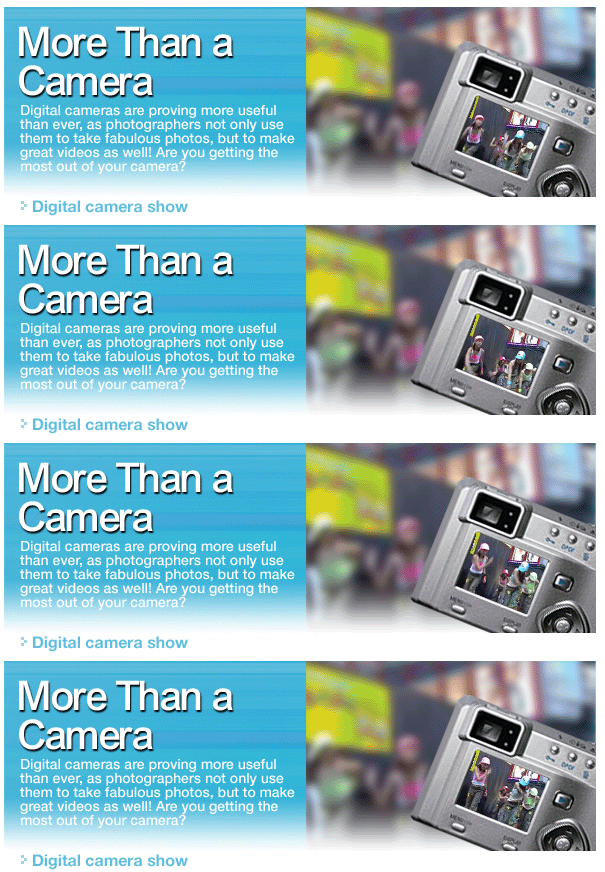
Most new digital camera models have a video-making
function, enabling you to make MPEG videos
of up to several minutes in length. Not only
is the picture quality excellent, but you
can get great sound too.
Wide-range shooting mode: Canon Power
Shot A80
The A80's selling points are versatile
functions, low power consumption and high
picture quality. Features such as 9-point
AiAF and 14 shooting modes guarantee the
best performance in even difficult shooting
conditions.
Compact and sleek: 3X Zoom Pentax Optio
S
The Optio S is considered the world's
smallest optical zoom digital camera.
With three mega-pixel resolution and 3x
zoom, this ultra-compact camera is only
2cm thick. Housed in a sleek aluminium
exterior, it weighs only 98 grams.
Super zoom: Olympus C-750 Ultra Zoom
The most amazing spec of this camera is
its 10x optical zoom lens (equivalent
to a 38mm-380mm lens in 35mm format) and
four mega-pixel CCD. You can shoot in
either 320x240 or 160x120 format at 15
frames per second (fps).
Select the mode: When recording your video,
you can choose the mode according to the object
you want to shoot. The options are 320x240 and
160x120.
Shooting environment: If you are getting creative,
you might want to try an unusual angle for a
shot. The PowerShot A80 is a good choice for
this as it is equipped with a multi-angled LCD
screen, enabling you to get a good shot from
even a tricky angle.
Recording function: Click on the menu, search
the video function and choose the "video
mode". Press the shutter to start recording,
press again to stop.
Most Windows 98 users store their video
clips by connecting their camera and computer
with USB hubs. With the preloaded activating
software, the camera then acts as external
hardware. To store your video clips after
transferring them into the computer, the best
place is NETVIGATOR's NETAlbum. You can easily
access them on NETAlbum at anytime and share
those happy moments with friends.